
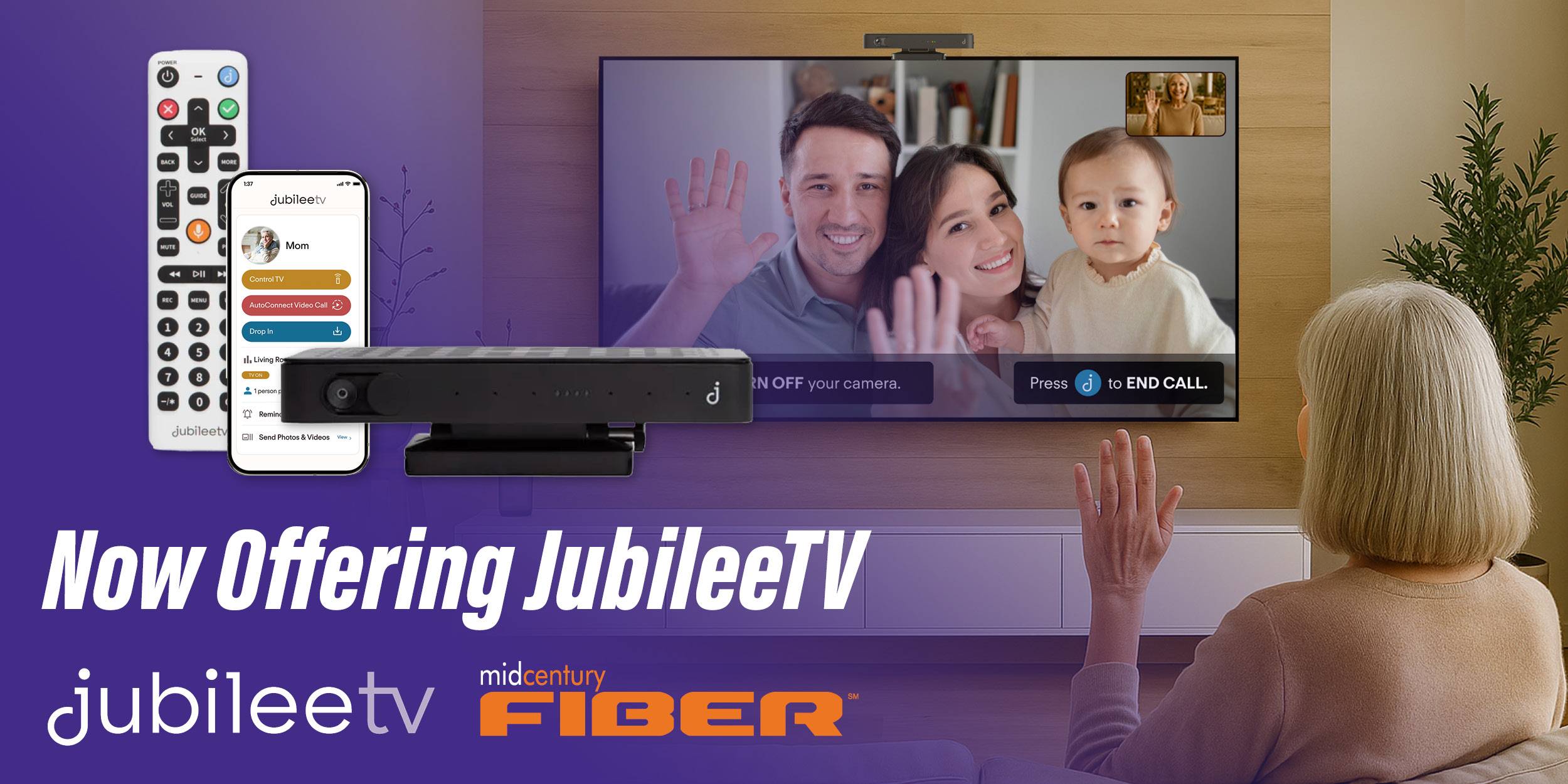
When you can't be there, be on their TV.
JublieeTV transforms a familiar television into a simple, powerful connection tool for seniors and their loved ones. By connecting your phone directly to their TV, you can provide support from anywhere—without requiring them to learn new technology.
Remotely help with everyday tasks like changing channels, fixing TV issues, launching streaming apps, or starting a video call. Whether you’re across town or across the country, JubileeTV makes it easy to stay connected and assisted when needed.
For added convenience, you can choose to grant Mid Century Fiber’s technical support team access to your or your loved one’s TV through the JubileeTV platform. Our team can provide remote assistance with TV related issues, help navigate channels and streaming services—saving time and reducing frustration.
Get Started Today!
Step 1 – Call us at 309-778-3278 to confirm your location is eligible for installation.
Step 2 – Order your JubileeTV device using the link here.
Step 3 – Once your device arrives, call us at 309-778-3278 to schedule your in-home installation*
*Installation fees apply.
Frequently Asked Questions
- Mirror their TV to see what they see
- Control their TV remotely-turn it on, up, put on a show
- Quietly check in with one-way video
- Monitor daily routines
- Connect video calls automatically on their TV
For families with aging loved ones
- Living at home with or without care
- In independent living, assisted living, or memory care
- Managed by adult children, remote caregivers, or POAs
Your JubileeTV Membership includes all the hardware you need and unlimited app access.
- JubileeTV System: Smart console with camera & voice remote
- Family App with Unlimited Contacts: Invite the whole family to join in
- Best-in-Class Support: Live phone and email support from real humans, 7 days a week
- 60-day Peace of Mind Guarantee: Try JubileeTV for 60 days and if you don’t love it, cancel for a full refund, shipping included!
Your loved one must meet all these criteria:
- A TV with HDMI hookup
- An internet connection that you or they pay for directly and is not a shared service
- At least one source device, either a cable/satellite set-top box or a streaming player like a Roku Stick.
- JubileeTV does not work with Roku TVs.
JubileeTV will not work without a source device, so if your loved one uses only a Smart TV to watch TV, you’ll need to add a Roku Stick or other source device.
Please call or text Mid Century at 309-778-3278 to order your Roku Stick.
JubileeTV works with the following streaming devices/media players:
- Amazon Fire TV
- Android Box
- Apple TV
- Google Chromecast
- Google Nexus Player
- Nvidia Shield
- Roku
- Xumo
Set-top boxes from the following TV service providers are supported:
- AT&T/Uverse
- Cablevision
- Comcast Xfinity
- Cox
- DirecTV
- DISH
- Optimum
- Spectrum
- Tivo
- Verizon
Set-top boxes from TV service providers other than those listed may not function properly with the JubileeTV system. Please call or text us at 309-778-3278 with questions.
That’s what we’re here for! Call or text us at 309-778-3278 and we can help you install and setup your system. Installation fees apply.